Getting started
Setup guide
Install Hearby AI, sign in, and take your first practice call in about two minutes.
Platform availability
Hearby AI runs on Mac and iPhone, with one account across both.
- Mac: calls on Zoom, Meet, FaceTime, Teams and Slack huddles, and phone calls through your Mac.
- iPhone: conversations in person, with the phone in your pocket.
- Practice sessions on both, with a practice partner that talks back.
Installing Hearby AI
- Download Hearby AI from hearby.ai/download.
- Open the file.
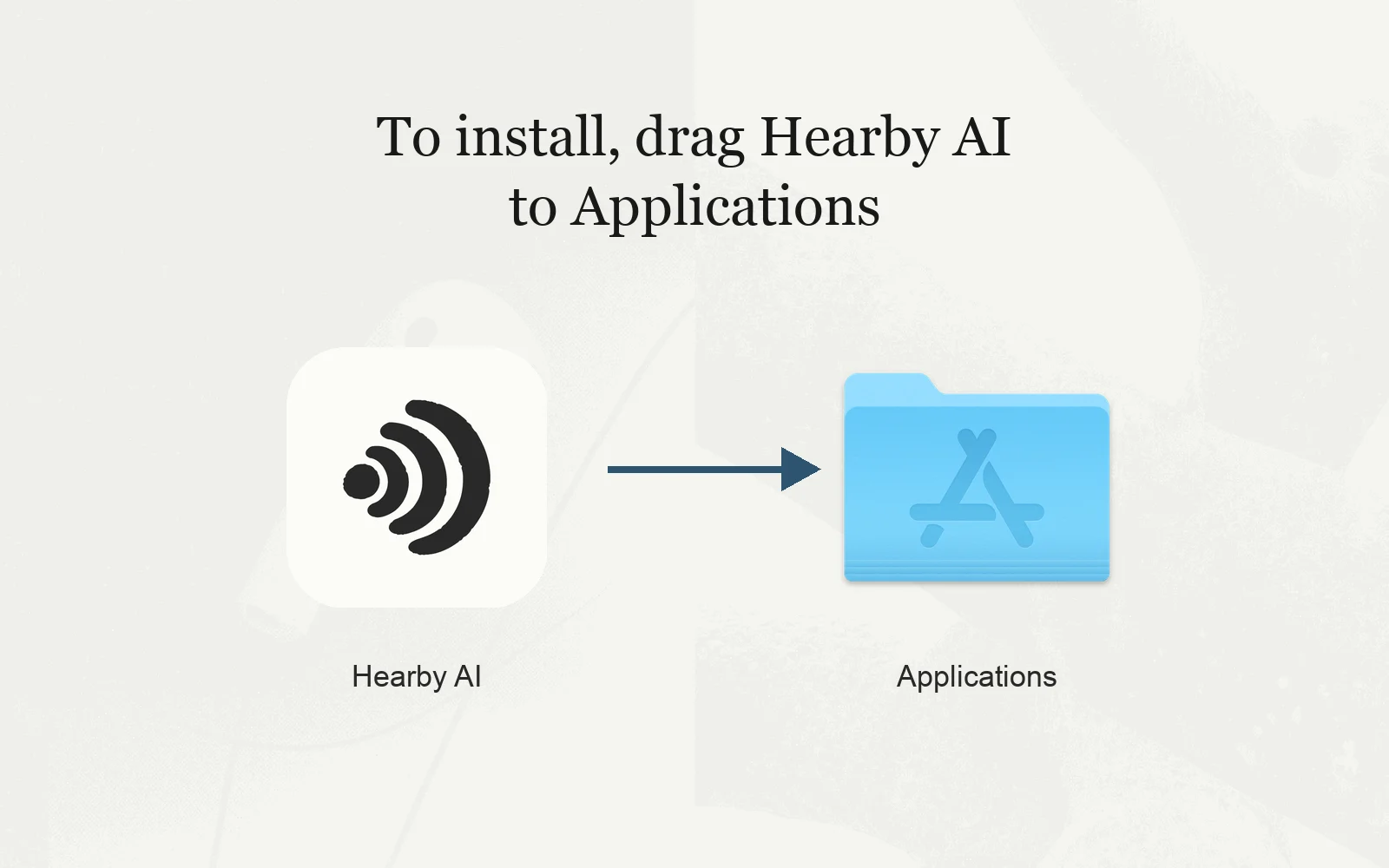
- Drag the Hearby AI icon into your Applications folder.
Launching Hearby AI
Open Hearby AI from Applications, Spotlight or your home screen.
On the Mac you may see "Hearby AI is an app downloaded from the internet. Are you sure you want to open it?" This is expected; press Open.
Signing in
Sign in with Apple, Google or a code sent to your email. There are no passwords.
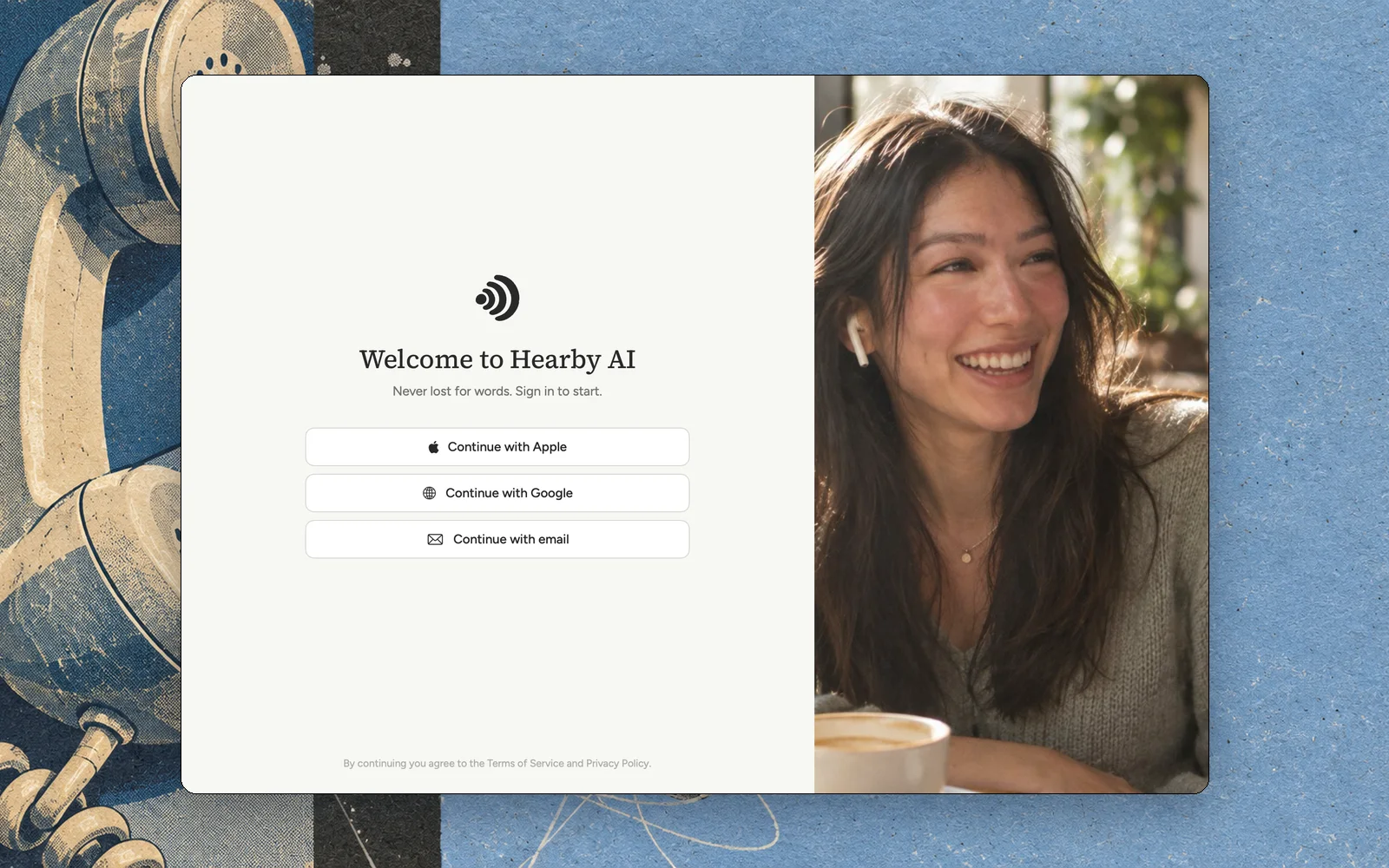
Apple or Google
Press Continue with Apple or Continue with Google. A sign-in window opens hearby.ai/device with a short code. Check the code matches the app, then press Approve.
Press Continue with email, type your address, then the code we send you.
Permissions
Once you are in, Hearby AI asks for the microphone, and on the Mac for audio from your call apps. It needs both to hear the other person.

It hears only the call apps, never the rest of your Mac, and keeps no recording.
Your first practice call
Put one earbud in
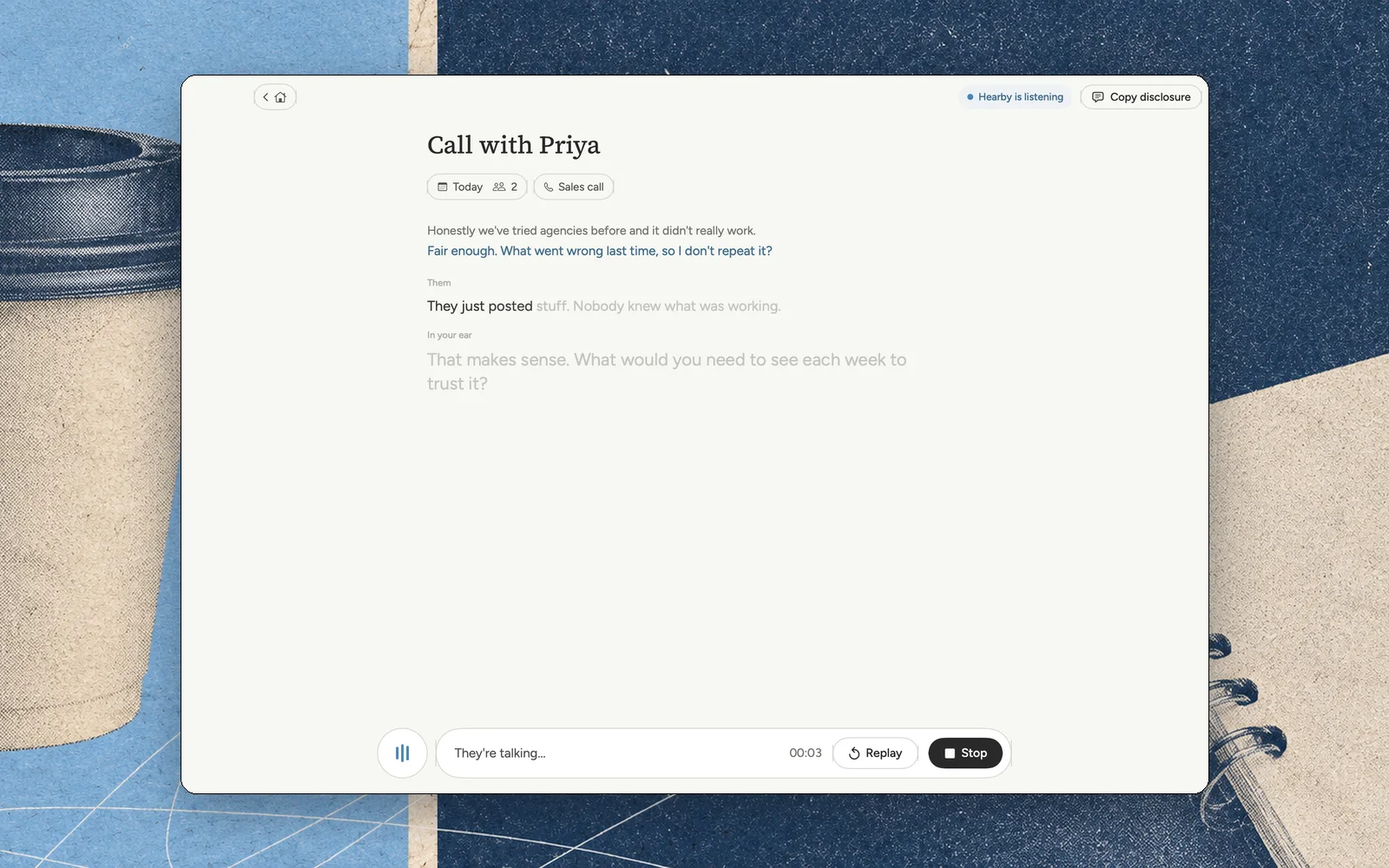
Hearby AI speaks only in your ear. The other person never hears it.
Say it as you hear it
Your first line plays. Say it a word or two behind the voice, like a newsreader on an autocue. That is the whole skill.
You're all set
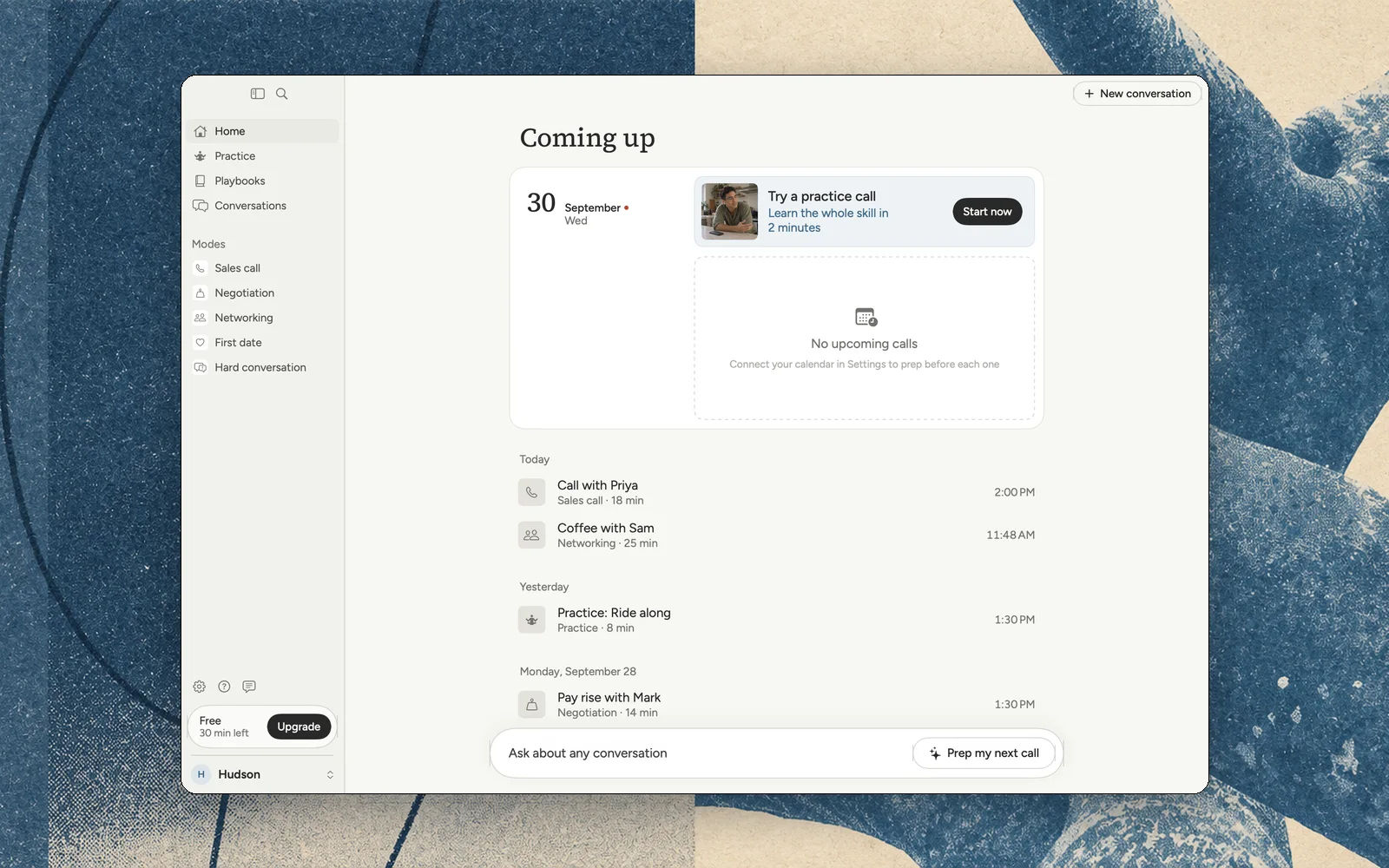
Pick what you want to get better at: sales calls, negotiation, networking, first dates or hard conversations. Home shows your conversations and what is coming up.
Can't find what you're looking for? Email hudson@hearby.ai.